Top 10 Interview Questions for Custom Logic of Built-In Functions

Software Engineer
- #javascript
- #coding-interview
- #javascript-interview
- #polyfills
- #frontend-interview
- #interview-prep
- #javascript-functions
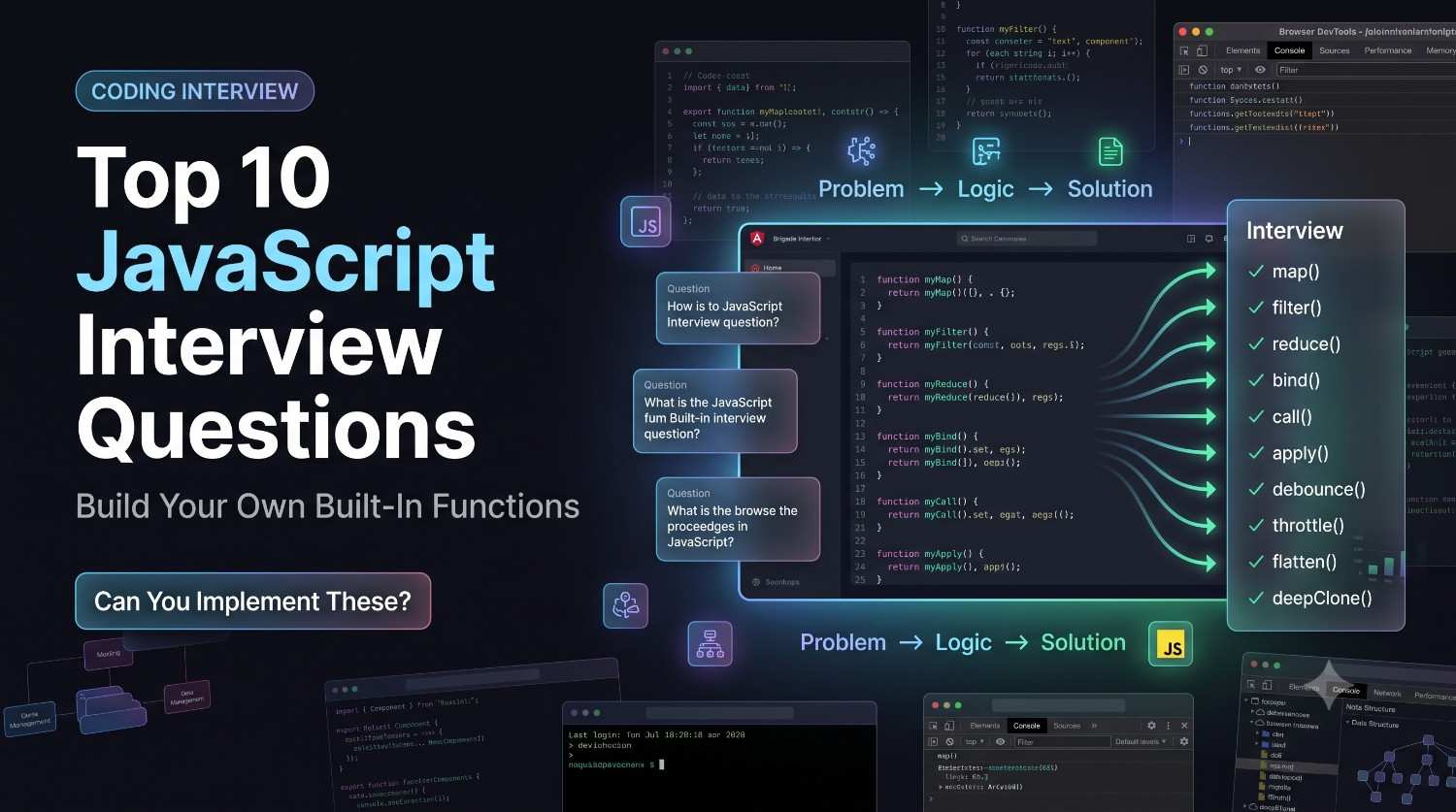
Master your coding interviews by learning how to recreate JavaScript's built-in functions like map, filter, reduce, Promise.all, and debounce from scratch.
Introduction: Why Interviewers Ask You to Recreate Built-In Functions
During technical interviews at top-tier companies like Google, Meta, and Netflix, candidates are frequently asked to write custom logic that mimics native programming language functions. At first glance, this might seem redundant. Why write a custom Array.prototype.map when JavaScript already provides a highly optimized one?
The answer lies in evaluation. Recreating built-in functions allows interviewers to assess your understanding of fundamental computer science principles, including prototypal inheritance, execution context (this binding), closures, callback execution, and edge-case handling. It demonstrates that you do not just use tools blindly but deeply understand how they operate under the hood.
In this comprehensive guide, we will break down the top 10 interview questions for custom logic of built-in functions, complete with explanations, clean code implementations, expected outputs, and the pros and cons of each approach.
1. Recreating Array.prototype.map()
The map() method creates a new array populated with the results of calling a provided function on every element in the calling array. Implementing this requires handling the execution context and passing index and array references to the callback.
Code Implementation
Array.prototype.myMap = function(callback) {
  const result = [];
  for (let i = 0; i < this.length; i++) {
    if (this.hasOwnProperty(i)) {
      result.push(callback(this[i], i, this));
    }
  }
  return result;
};
Example Usage & Output
const numbers = [1, 2, 3];
const doubled = numbers.myMap(num => num * 2);
console.log(doubled); // Output: [2, 4, 6]
Pros & Cons
Pros: Demonstrates understanding of prototypal delegation and how to handle sparse arrays using
hasOwnProperty.Cons: Lacks the low-level C++ optimizations found in modern V8 engine implementations of native arrays.
2. Recreating Array.prototype.filter()
The filter() method creates a shallow copy of a portion of a given array, filtered down to just the elements from the given array that pass the test implemented by the provided function.
Code Implementation
Array.prototype.myFilter = function(callback) {
  const result = [];
  for (let i = 0; i < this.length; i++) {
    if (this.hasOwnProperty(i)) {
      if (callback(this[i], i, this)) {
        result.push(this[i]);
      }
    }
  }
  return result;
};
Example Usage & Output
const values = [1, 5, 8, 10];
const evens = values.myFilter(num => num % 2 === 0);
console.log(evens); // Output: [8, 10]
Pros & Cons
Pros: Accurately handles conditional checking and callback contextual arguments.
Cons: Modifying prototypes in production environments can lead to naming collisions (prototype pollution).
3. Recreating Array.prototype.reduce()
The reduce() method executes a user-supplied "reducer" callback function on each element of the array, in order, passing in the return value from the calculation on the preceding element.
Code Implementation
Array.prototype.myReduce = function(callback, initialValue) {
  let accumulator = initialValue;
  let startIndex = 0;

  if (arguments.length < 2) {
    if (this.length === 0) {
      throw new TypeError('Reduce of empty array with no initial value');
    }
    accumulator = this[0];
    startIndex = 1;
  }

  for (let i = startIndex; i < this.length; i++) {
    if (this.hasOwnProperty(i)) {
      accumulator = callback(accumulator, this[i], i, this);
    }
  }
  return accumulator;
};
Example Usage & Output
const sum = [1, 2, 3, 4].myReduce((acc, curr) => acc + curr, 0);
console.log(sum); // Output: 10
Pros & Cons
Pros: Perfectly handles the complex edge case where an initial value is omitted, reflecting official MDN specifications.
Cons: Harder to read and maintain due to argument-length branching logic.
4. Recreating Array.prototype.flat() (Flattening Arrays)
Flattening a nested array is a highly popular interview prompt. The native flat() method flattens an array up to a specified depth. We can solve this recursively.
Code Implementation
function customFlat(arr, depth = 1) {
  let result = [];
  for (let i = 0; i < arr.length; i++) {
    if (Array.isArray(arr[i]) && depth > 0) {
      result = result.concat(customFlat(arr[i], depth - 1));
    } else {
      result.push(arr[i]);
    }
  }
  return result;
}
Example Usage & Output
const nested = [1, [2, [3, [4]]]];
console.log(customFlat(nested, 2)); // Output: [1, 2, 3, [4]]
Pros & Cons
Pros: Highly elegant recursive implementation that mimics depth-based array flattening natively.
Cons: Can cause stack overflow errors on extremely deep, highly nested structures.
5. Recreating Promise.all()
Promise.all() accepts an iterable of promises and returns a single Promise that resolves when all input promises have resolved, or rejects immediately if any input promise rejects.
Code Implementation
Promise.myAll = function(promises) {
  return new Promise((resolve, reject) => {
    let completed = 0;
    const results = [];

    if (promises.length === 0) {
      return resolve(results);
    }

    promises.forEach((promise, index) => {
      Promise.resolve(promise)
        .then(value => {
          results[index] = value;
          completed++;
          if (completed === promises.length) {
            resolve(results);
          }
        })
        .catch(reject);
    });
  });
};
Example Usage & Output
const p1 = Promise.resolve(3);
const p2 = 42;
const p3 = new Promise((resolve) => setTimeout(resolve, 100, 'foo'));

Promise.myAll([p1, p2, p3]).then(values => console.log(values));
// Output: [3, 42, "foo"]
Pros & Cons
Pros: Preserves original index order regardless of resolution time; successfully handles non-promise inputs via
Promise.resolve().Cons: Does not handle synchronous iterables besides standard arrays elegantly without extra overhead.
6. Recreating Function.prototype.bind()
The bind() method creates a new function that, when called, has its this keyword set to the provided value, with a given sequence of arguments preceding any provided when the new function is called.
Code Implementation
Function.prototype.myBind = function(context, ...args) {
  const originalFunction = this;
  return function(...newArgs) {
    return originalFunction.apply(context, [...args, ...newArgs]);
  };
};
Example Usage & Output
const module = {
  x: 42,
  getX: function() { return this.x; }
};

const unboundGetX = module.getX;
const boundGetX = unboundGetX.myBind(module);
console.log(boundGetX()); // Output: 42
Pros & Cons
Pros: Elegant utilization of closures and rest parameter arrays to handle currying.
Cons: Does not support instantiation via the
newoperator on the bound function, which nativebindnatively does.
7. Creating a Custom Debounce Function
Debouncing limits the rate at which a function can fire. It ensures that a function is only invoked after a certain amount of time has elapsed since its last call.
Code Implementation
function debounce(func, delay) {
  let timeoutId;
  return function(...args) {
    clearTimeout(timeoutId);
    timeoutId = setTimeout(() => {
      func.apply(this, args);
    }, delay);
  };
}
Example Usage & Output
const processChange = debounce(() => console.log('Saved!'), 500);
processChange();
processChange(); // Output (after 500ms): "Saved!" (only runs once)
Pros & Cons
Pros: Essential utility function for optimizing performance on search inputs, resize listeners, and scroll events.
Cons: Postpones the original action, meaning user feedback might feel slightly delayed.
8. Creating a Custom Throttle Function
Throttling ensures that a target function is called at most once in a specified time interval, regardless of how many times the event trigger fires.
Code Implementation
function throttle(func, limit) {
  let inThrottle = false;
  return function(...args) {
    if (!inThrottle) {
      func.apply(this, args);
      inThrottle = true;
      setTimeout(() => inThrottle = false, limit);
    }
  };
}
Example Usage & Output
const logScroll = throttle(() => console.log('Scrolled!'), 1000);
logScroll();
logScroll(); // Executed, but skipped due to throttling
// Output: "Scrolled!" (logged immediately, subsequent calls within 1s ignored)
Pros & Cons
Pros: Guarantees periodic execution, ensuring UI updates remain smooth without breaking performance.
Cons: Drops intermediate states since it ignores intermediate inputs within the limit window.
9. Deep Cloning Objects (Custom structuredClone)
Cloning objects in JavaScript can be shallow (using object spread) or deep. Deep cloning recursively duplicates every nested reference to prevent side effects.
Code Implementation
function deepClone(obj) {
  if (obj === null || typeof obj !== 'object') {
    return obj;
  }

  if (Array.isArray(obj)) {
    return obj.map(item => deepClone(item));
  }

  const clonedObj = {};
  for (const key in obj) {
    if (obj.hasOwnProperty(key)) {
      clonedObj[key] = deepClone(obj[key]);
    }
  }
  return clonedObj;
}
Example Usage & Output
const original = { a: 1, b: { c: 2 } };
const copy = deepClone(original);
copy.b.c = 42;
console.log(original.b.c); // Output: 2 (deep copy successfully protected original)
Pros & Cons
Pros: Standard implementation without relying on slower hacks like
JSON.parse(JSON.stringify(obj)).Cons: Does not handle circular references (will trigger infinite loops) or complex types like Dates, Maps, and Sets.
10. Recreating Array.prototype.indexOf()
The indexOf() method returns the first index at which a given element can be found in the array, or -1 if it is not present.
Code Implementation
function customIndexOf(arr, searchElement, fromIndex = 0) {
  let start = fromIndex < 0 ? Math.max(arr.length + fromIndex, 0) : fromIndex;

  for (let i = start; i < arr.length; i++) {
    if (arr[i] === searchElement) {
      return i;
    }
  }
  return -1;
}
Example Usage & Output
const items = ['apple', 'banana', 'orange'];
console.log(customIndexOf(items, 'banana')); // Output: 1
console.log(customIndexOf(items, 'grape'));  // Output: -1
Pros & Cons
Pros: Accurately parses negative starting indices just like the standard native implementation.
Cons: Cannot find
NaNvalues becauseNaN === NaNresolves to false in standard strict equality checks.
Conclusion & Pro-tips for Interview Success
Preparing custom logic implementations is a highly rewarding way to sharpen your technical acumen. When writing these solutions under interview constraints:
Clarify requirements: Ask if you need to handle null values, empty structures, or sparse matrices.
Test for edge cases: Always dry-run your logic with empty arrays, negative parameters, and asynchronous delays.
Understand JS Internals: Keep an eye on your scope, binding issues, and recursion depths. Learn more about advanced patterns at MDN Web Docs.