The Essential AI Toolkit: Mastering Development in 2026
April 18, 2026
- AI
- Tools
- Generative AI
- Machine Learning
- ChatGPT
- Langchain
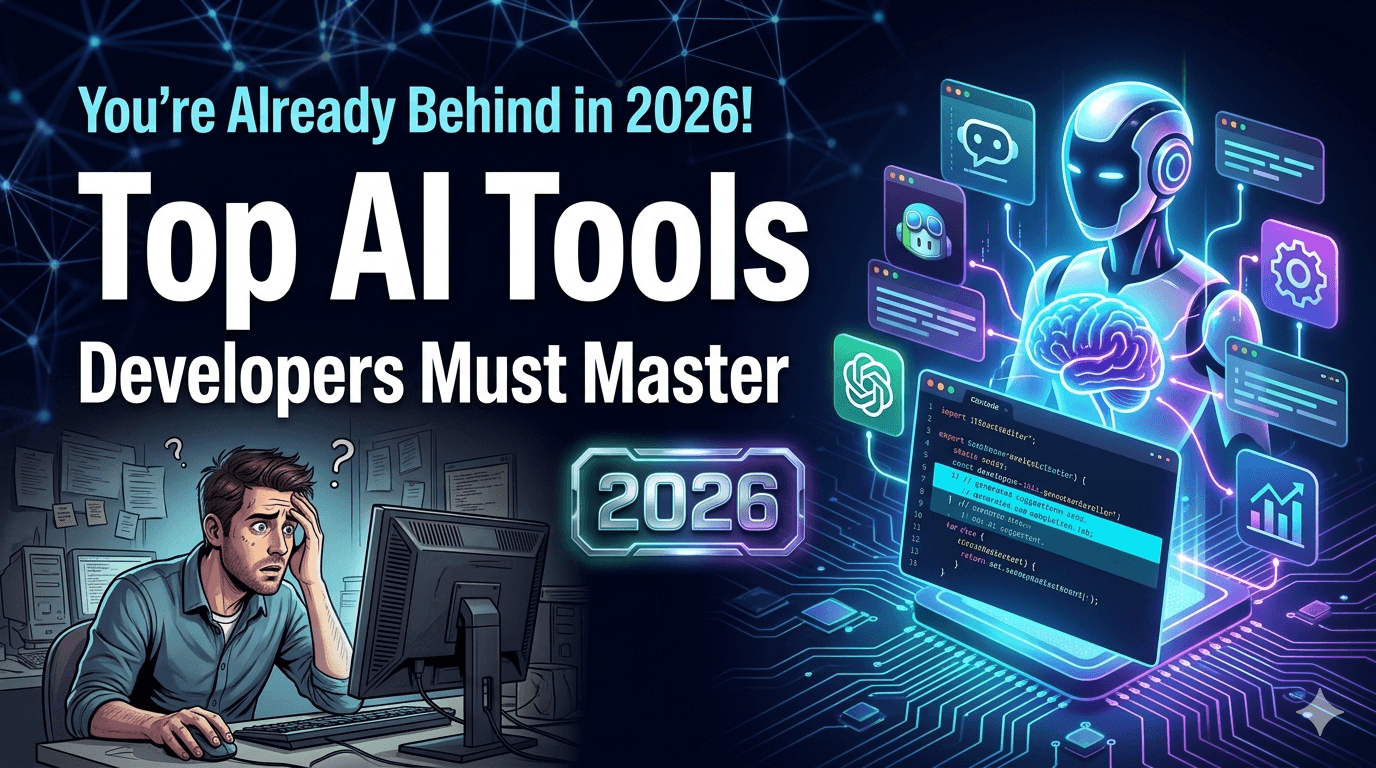
As we move into 2026, the boundary between human creativity and machine intelligence has blurred. This guide explores the sophisticated AI tools that have become mandatory for the modern software engineer.
The Essential AI Toolkit: Mastering Development in 2026
Software development in 2026 looks very different from just a few years ago. Developers are no longer writing every line manually, searching Stack Overflow for hours, or spending entire afternoons debugging tiny syntax mistakes.
Today, AI tools for developers are becoming deeply integrated into everyday workflows. From generating boilerplate code to automating testing, reviewing pull requests, designing interfaces, and even helping architects plan scalable systems, AI is reshaping how modern engineering teams work.
But here’s the important question:
Are developers being replaced by AI, or are developers with AI replacing developers without it?
The answer is becoming increasingly clear. AI is not replacing great engineers. Instead, it is amplifying developers who know how to use these tools intelligently.
Whether you're a beginner learning web development, an experienced backend engineer, or a startup founder building products faster, understanding the best AI coding tools is now part of staying relevant in the software industry.
In this guide, you’ll learn:
Which AI development tools matter most in 2026
How developers actually use AI in real workflows
How to avoid becoming dependent on AI-generated code
Which AI tools are best for coding, testing, DevOps, design, and productivity
How to build your own AI-powered developer workflow
Why AI-Powered Development Tools Are Becoming Mandatory
Modern software projects move fast. Teams are expected to ship features quickly, maintain quality, handle scalability, and support multiple platforms simultaneously.
AI development tools help reduce repetitive work so developers can focus on architecture, product thinking, and solving real business problems.
What Changed Between 2023 and 2026?
LLMs became context-aware coding assistants
AI tools started understanding entire repositories
Code review automation improved dramatically
AI-powered debugging became practical
Natural language to UI generation matured
AI DevOps workflows reduced deployment friction
A developer who previously spent 3 hours writing repetitive CRUD endpoints can now generate a clean first draft in minutes and focus on optimization, validation, and architecture.
That doesn’t make engineering easier. It changes where developers create value.
Core Categories of AI Tools for Developers
Category Main Purpose Popular Tools AI Coding Assistants Generate and autocomplete code ChatGPT, GitHub Copilot, Cursor AI AI Debugging Tools Analyze and fix issues Claude, Gemini, Windsurf AI Design-to-Code Convert UI ideas into components V0, Bolt.new AI Documentation Create technical documentation Notion AI, ChatGPT AI Testing Automation Generate tests and QA flows Copilot, Devin AI AI DevOps Tools Automate deployment workflows GitHub Actions AI, Gemini Cloud AI Productivity Tools Research and workflow acceleration Perplexity, Claude
Best AI Coding Tools Developers Should Know in 2026
1. ChatGPT
ChatGPT remains one of the most versatile AI programming tools available today.
Developers use it for brainstorming architecture, debugging, explaining legacy code, generating APIs, writing tests, and learning unfamiliar frameworks quickly.
Official resource: OpenAI Documentation
Best Use Cases
Explaining complex codebases
API integration help
SQL query optimization
Learning new technologies
Generating documentation
Pros
Excellent reasoning capabilities
Strong multi-language support
Great for architecture discussions
Cons
Can hallucinate implementation details
Needs careful prompt engineering
Skill Level
Beginner to professional developers.
2. GitHub Copilot
GitHub Copilot transformed autocomplete into an intelligent coding companion.
Instead of suggesting a single line, Copilot understands project patterns and predicts entire functions or workflows.
Official docs: GitHub Copilot Docs
Best Use Cases
Boilerplate generation
Frontend components
Unit testing
Refactoring repetitive logic
Real Developer Workflow
// Prompt inside VS Code:

// Create an Express middleware for JWT authentication
// Validate token
// Attach user object to request
// Return 401 if invalid
Copilot can instantly generate a solid draft, saving developers valuable setup time.
3. Cursor AI
Cursor AI became extremely popular because it deeply understands entire repositories instead of isolated files.
Official docs: Cursor AI Docs
Key Features
Repository-aware AI assistance
AI codebase navigation
Natural language code editing
Context-aware debugging
Best For
Intermediate and professional developers working on large production systems.
4. Claude
Claude became a favorite among engineers because of its strong reasoning and long-context capabilities.
Official docs: Anthropic Docs
Best Use Cases
Large code review analysis
Architecture planning
Debugging complex systems
Documentation summarization
5. Gemini
Gemini integrates deeply with the Google ecosystem and cloud tooling.
It works especially well for developers building scalable applications on Google Cloud infrastructure.
Official docs: Google AI Docs
6. V0 by Vercel
V0 changed frontend development by turning plain English prompts into polished UI components.
Example Prompt
Create a modern SaaS dashboard with:
- Sidebar navigation
- Analytics cards
- Revenue chart
- Dark mode support
- Tailwind CSS
Frontend developers now prototype interfaces in minutes instead of hours.
7. Windsurf
Windsurf focuses heavily on AI-assisted IDE experiences and workflow acceleration.
It is becoming popular among developers who want faster project-wide reasoning and integrated AI workflows.
8. Replit AI
Replit AI is especially beginner-friendly because it combines coding, hosting, collaboration, and AI assistance in one environment.
9. LangChain
LangChain helps developers build AI-powered applications and autonomous workflows.
Official docs: LangChain Documentation
Best For
AI agents
RAG systems
AI chat applications
Workflow orchestration
10. Devin AI
Devin AI introduced autonomous engineering workflows where AI can plan and execute development tasks semi-independently.
While still evolving, it shows how AI for software engineers is shifting toward collaborative execution rather than simple autocomplete.
Real-World AI Development Workflows
The biggest shift in 2026 is not just AI-assisted coding. It is the emergence of full AI developer workflow systems.
Frontend Development Workflow
Use V0 to generate a UI prototype
Refine components using Cursor AI
Generate accessibility improvements with ChatGPT
Use Copilot for repetitive state management
Generate visual tests automatically
Backend API Development
Workflow Example:

1. Ask Claude to design API architecture
2. Use Copilot to generate routes
3. Use ChatGPT for database schema optimization
4. Generate Swagger/OpenAPI documentation
5. Create automated tests using AI
Database Optimization
Developers increasingly use AI tools to analyze slow queries and indexing strategies.
Prompt Example:

Analyze this PostgreSQL query.
Suggest indexing improvements.
Explain why the query is slow.
Provide optimized alternatives.
DevOps Automation
AI tools now help developers generate CI/CD pipelines, Docker configurations, Kubernetes manifests, and deployment scripts.
Generate GitHub Actions workflows
Automate rollback strategies
Detect infrastructure misconfigurations
Analyze deployment failures
Testing and Debugging
Instead of manually investigating stack traces, developers increasingly use AI debugging assistants.
Error:
TypeError: Cannot read property 'map' of undefined

AI Debugging Flow:
- Analyze component state
- Trace API response
- Identify null condition
- Suggest optional chaining fix
- Generate test case
UI/UX Design
Product designers and developers collaborate faster using AI-generated wireframes and design systems.
Documentation Generation
AI dramatically reduces documentation bottlenecks.
Generate onboarding docs
Create API references
Write release notes
Summarize pull requests
Startup MVP Development
Solo founders now build production-ready MVPs significantly faster using AI-assisted workflows.
A single developer can:
Generate UI screens
Build APIs
Automate deployment
Create documentation
Set up authentication
Generate marketing copy
Enterprise Applications
Large organizations use AI tools for:
Legacy modernization
Code migration
Security auditing
Performance analysis
Developer onboarding
Before vs After: AI-Assisted Productivity
Task Traditional Workflow AI-Assisted Workflow API Boilerplate 1–2 hours 10–15 minutes Documentation Manual writing AI-generated drafts UI Prototyping Several hours Minutes with V0 Code Review Fully manual AI-assisted analysis Testing Manual case writing Automated test generation
How to Use AI Without Weakening Your Skills
This may be the most important section in this entire guide.
AI tools should improve your effectiveness, not replace your thinking.
1. Never Blindly Copy-Paste Code
AI-generated code can contain:
Security vulnerabilities
Performance issues
Outdated patterns
Incorrect assumptions
Always understand what the code is doing before using it.
2. Learn Fundamentals First
AI cannot replace core engineering understanding.
Developers still need:
Data structures and algorithms
System design knowledge
Networking fundamentals
Database optimization skills
Security awareness
Helpful resources:
3. Treat AI Like a Junior Pair Programmer
AI is excellent at generating drafts and suggestions.
But experienced developers still need to review architecture decisions and validate correctness.
4. Maintain Problem-Solving Skills
Occasionally solve problems without AI assistance.
This keeps your debugging intuition and engineering confidence strong.
5. Be Careful With Sensitive Data
Never paste:
Private API keys
Confidential company code
User data
Production credentials
6. Improve Prompt Engineering Skills
Better prompts produce better outputs.
Bad Prompt:
Fix this code.

Good Prompt:
Optimize this Node.js API endpoint.
Focus on:
- Database performance
- Error handling
- Security validation
- Readability
- Scalability
Best AI Tool Stack for Developers in 2026
Frontend Developers
Cursor AI
V0 by Vercel
GitHub Copilot
Claude
Backend Developers
ChatGPT
Claude
Copilot
Perplexity
Full-Stack Developers
Cursor AI
Copilot
ChatGPT
LangChain
DevOps Engineers
Gemini
Claude
GitHub AI workflows
Kubernetes AI assistants
Freelancers
Replit AI
ChatGPT
Bolt.new
Perplexity
Startup Founders
V0
Cursor AI
ChatGPT
Devin AI
The Future of AI for Software Engineers
AI development tools 2026 are not just about speed anymore.
The future is moving toward:
Autonomous engineering agents
AI-driven architecture analysis
Self-healing infrastructure
Natural language software development
AI-powered observability systems
But even in this AI-driven future, companies still need developers who understand:
Business logic
Scalability
Security
User experience
Engineering trade-offs
AI accelerates execution. Human developers still provide judgment.
Related Learning Resources
Key Takeaways
AI tools for developers are becoming essential productivity multipliers
Developers who combine AI with strong fundamentals will thrive
GitHub Copilot and Cursor AI dominate coding workflows
Claude and ChatGPT excel at reasoning and debugging
V0 and Bolt.new accelerate frontend development dramatically
AI-generated code must always be reviewed carefully
Prompt engineering is becoming a valuable developer skill
AI should enhance critical thinking, not replace it
FAQs
Will AI replace software developers in 2026?
AI is unlikely to fully replace developers. Instead, it is transforming how developers work. Engineers who effectively use AI tools will likely outperform those who ignore them.
What are the best AI coding assistants right now?
Popular AI coding assistants include GitHub Copilot, Cursor AI, ChatGPT, Claude, Windsurf, and Replit AI.
Are AI coding tools safe for production code?
AI-generated code should always be reviewed, tested, and validated before production deployment. Security and correctness remain the developer’s responsibility.
Which AI tool is best for beginners?
Beginners often start with ChatGPT and GitHub Copilot because they are easy to use and provide strong learning support.
Do professional developers actually use AI daily?
Yes. Many engineering teams now use AI for debugging, testing, documentation, code reviews, deployment automation, and research workflows.
What skill becomes most important in the AI era?
Critical thinking, system design, problem-solving, architecture understanding, and effective prompt engineering are becoming increasingly valuable.
Conclusion
The developers who succeed in 2026 will not necessarily be the ones writing the most code manually.
They will be the engineers who know how to combine human judgment with intelligent AI-powered workflows.
The rise of AI coding assistants and modern AI productivity tools is creating an entirely new style of software development — one where developers spend less time on repetitive work and more time solving meaningful problems.
The smartest approach is not resisting AI.
It is learning how to use AI responsibly while continuing to strengthen your engineering fundamentals.
Start small. Experiment with one or two tools. Build real projects. Improve your prompts. Validate everything. Keep learning.
Because the future of software development belongs to developers who can think critically, adapt quickly, and collaborate effectively with AI.
Related Articles
View all posts →The Rise of Open-Source Code LLMs: A Comprehensive Guide to the Best New Models for Developers
Discover the most powerful new open-source AI models for coding, from DeepSeek-Coder-V2 to Codestral. Learn how they compare to proprietary alternatives and how to deploy them locally.
Artificial Intelligence News: Latest AI Breakthroughs, Tools & Technology Updates (2026)
Explore the most groundbreaking artificial intelligence updates of 2026. From autonomous agentic swarms and quantum neural networks to the latest tools like GPT-6 and Claude 5, discover how the AI landscape has completely transformed.
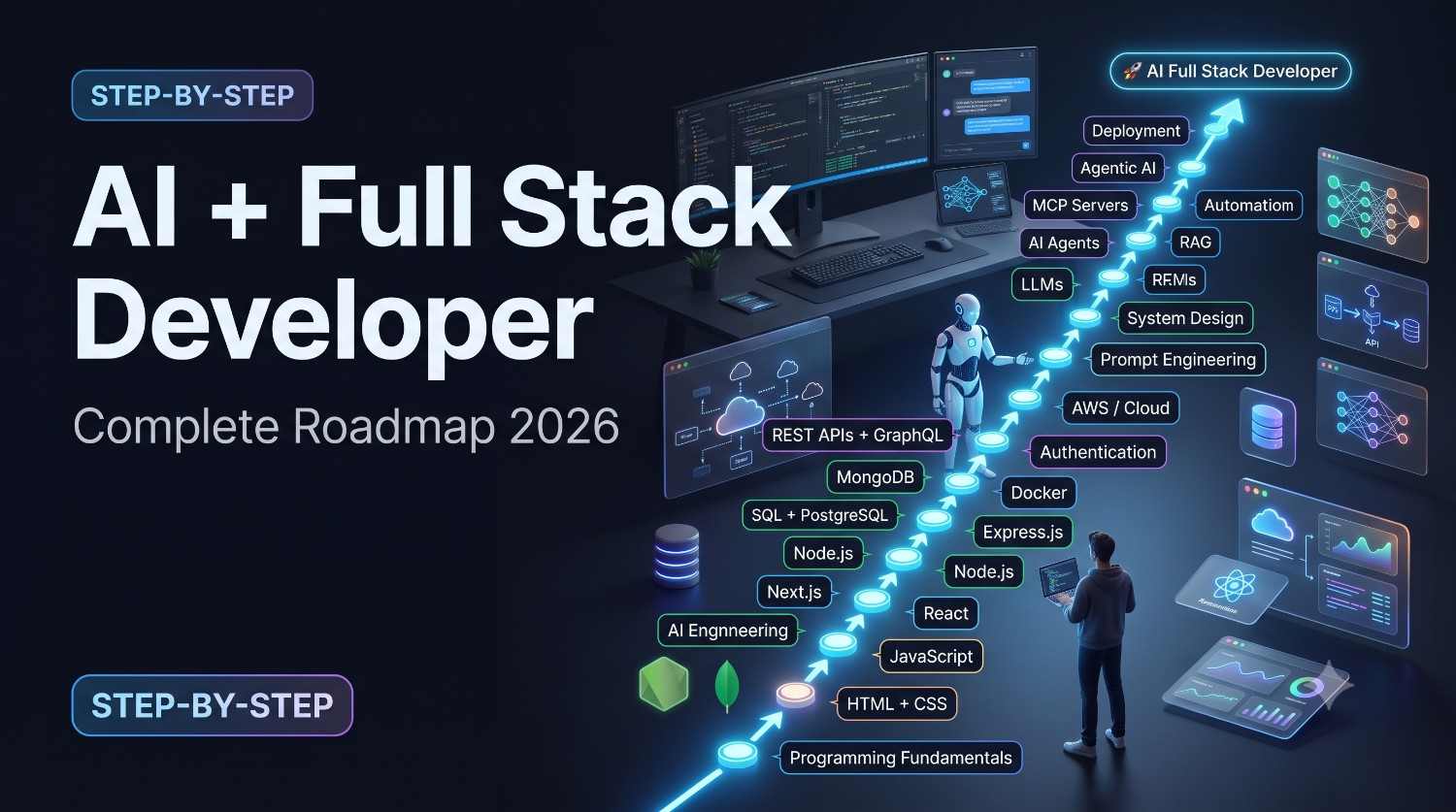
Roadmap to Become an AI + Full Stack Developer in 2026
Discover the ultimate, step-by-step roadmap to becoming an AI-driven Full-Stack Developer in 2026. Master next-gen web frameworks, vector databases, agentic workflows, and modern MLOps to dominate the software engineering landscape.